SeedSpatialcodename
In-headset, no-code creation of spatial apps and interfaces for Project Swan.
Build your own spatial workspace with your hands and voice.
No code·No PC·No install.
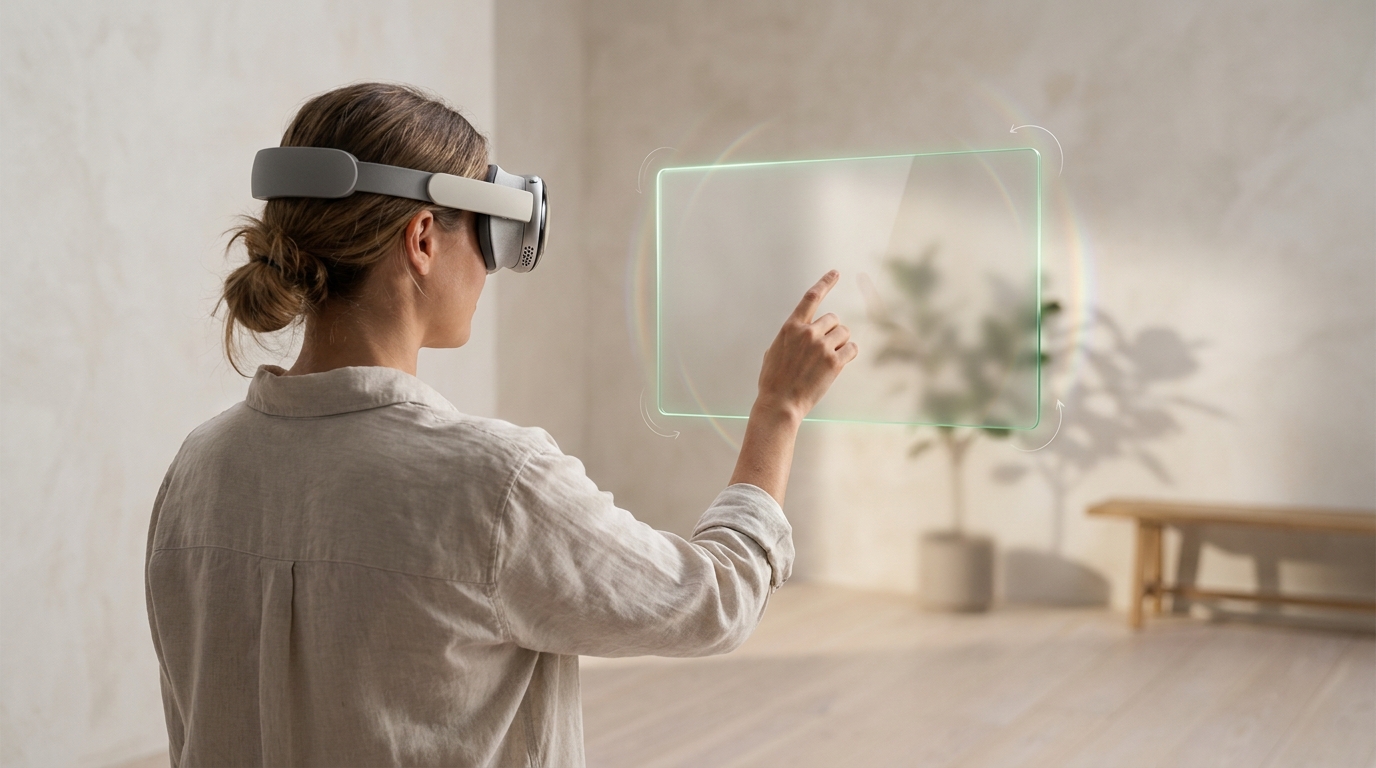
- Describe new things into existence.
- Vibe-build 2D and 3D interfaces, widgets, and visual components onto your tabletop and walls.
- Point at an object, say “make this bigger.”
- Pinch a region with both hands, say “align these.”
- Publish as an instant WebXR link. No store, no download.
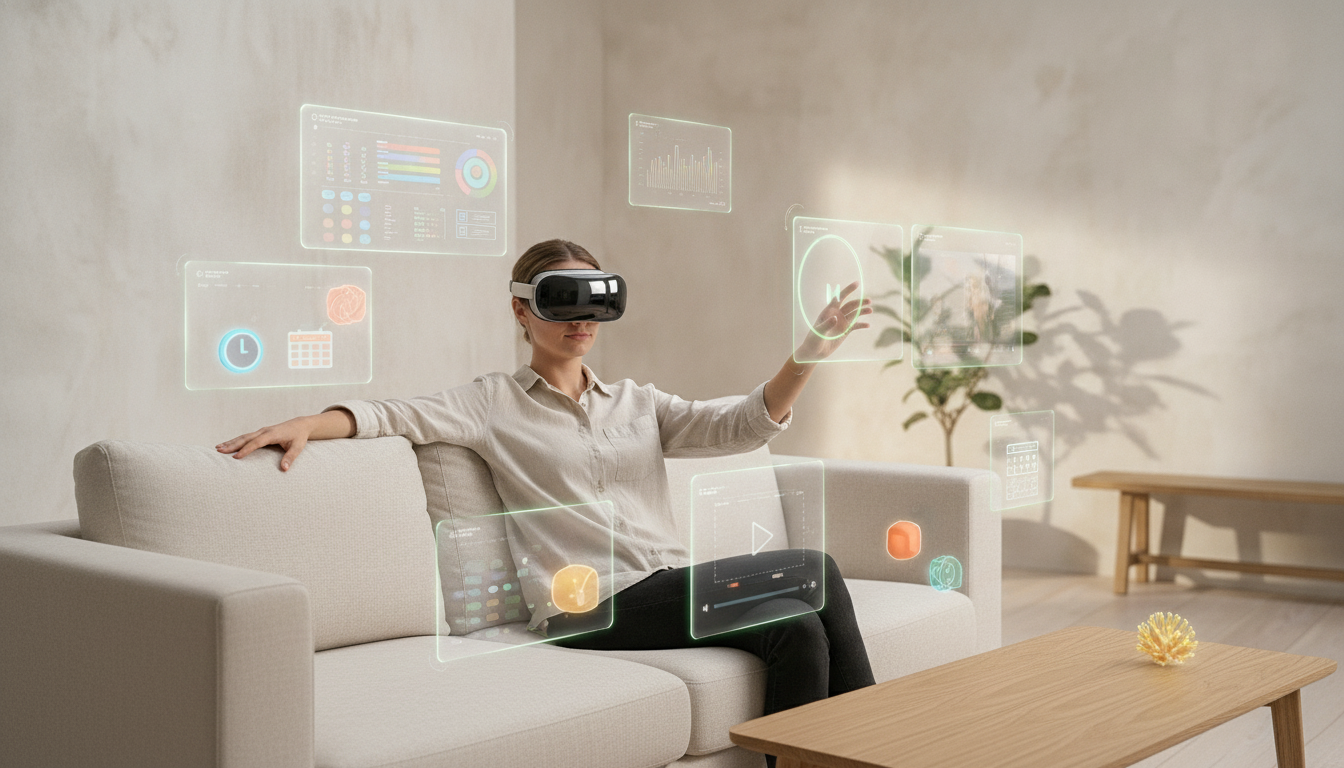
Not a fixed set of apps handed to you. Design the workspace you actually want: the widgets and windows you reach for, arranged around you in 3D space and anchored where they belong.
- Widgets and 3D objects: clocks, timers, players, and controls placed on your desk, shelf, or wall.
- 2D windows in 3D space: charts, dashboards, notes, and references pinned exactly where you want them.
- Real working surfaces: music players, video players, data views, the tools you use every day.
- Yours and persistent: it stays arranged the way you built it, and travels as an instant WebXR link.
- XR's bottleneck is no longer hardware. It's content.
- ByteDance's DNA is creator tools, UGC, and recommendation. This is that, for spatial.
- Google validated the category (Vibe Coding XR, 2026) but built prompt-to-app for prototyping and skipped in-headset editing. That gap is our opening.
- Swan launches needing a creation story on day one.
- Prompt-to-app makes the AI find the object, reason about 3D, and write code all at once. That's where it fails.
- Pointing resolves the target in the sensor layer. Zero ambiguity, zero hallucination.
- The AI gets one tiny, scoped task. Most edits don't need it at all.
- Division of labor: human points, sensors disambiguate, AI does only the creative part.
- Human-centric agentic control: you stay in command; the agent does only the scoped task you direct.
- Embodied, not only in your head: vibe-coding becomes a body experience in your space, not words in your head. Less cognitive load, more spatial awareness.
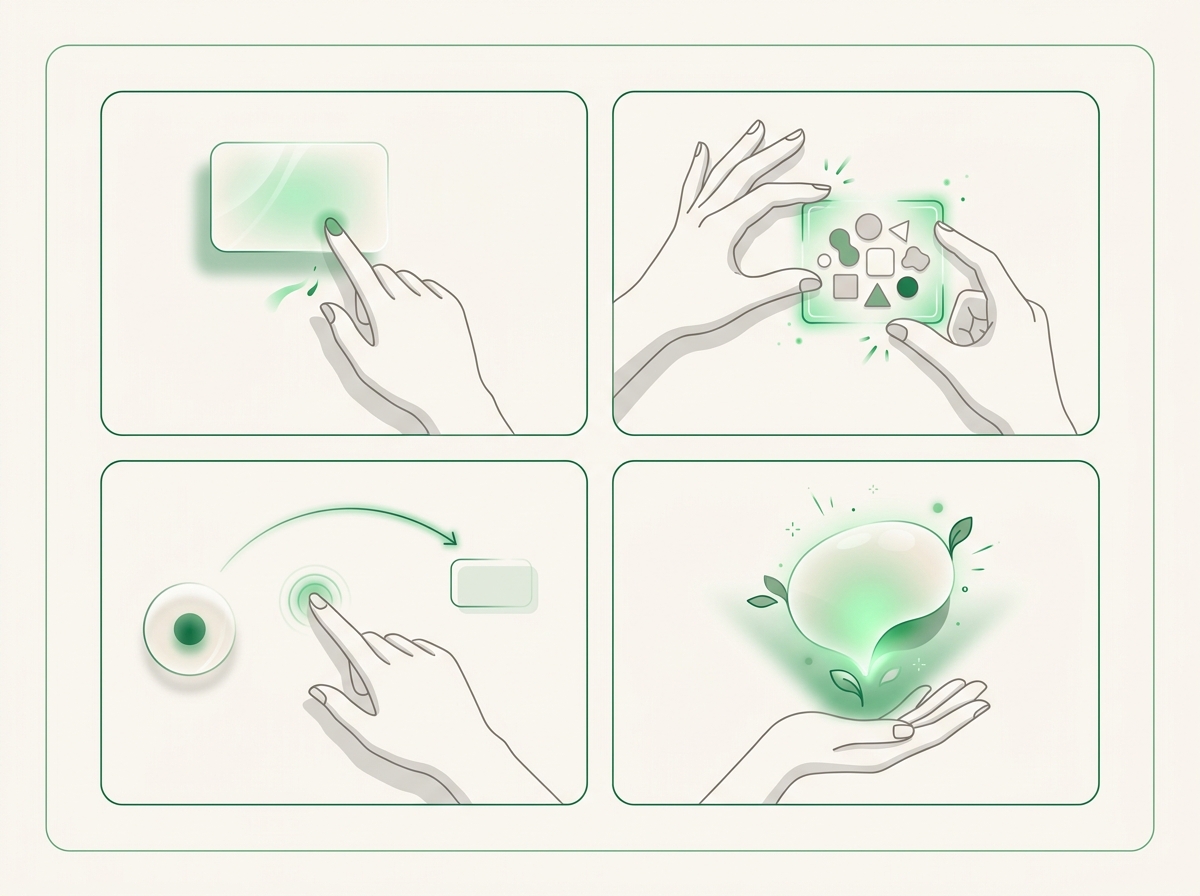
- Point + speak: edit one object.
- Two-hand pinch: frame a region, edit many at once.
- Point to point: “put this there,” “make this like that.”
- Describe: create new objects, interfaces, and widgets. The one step you command the PICO OS AI companion to do.
- A persistent semantic scene graph is both the live state and the final app.
- Edits are validated patches, not regenerated code. Reversible and coherent.
- Common edits run locally and instantly; only the creative step calls out.
- That step is a scoped command to the PICO OS AI companion, handed the right spatial context from the scene graph.
- In-ecosystem and server-side. The headset is the only client.
Not a separate engine bolted onto the headset. The editor is a web app on PICO OS 6's immersive WebXR runtime. It draws input from the OS sensor stack, and the apps it builds run on that same runtime. Authoring and playback are the same layer.
| SeedSpatial | Google XR Blocks | |
|---|---|---|
| How you edit | Point and speak; frame a region with two hands | Type or speak a prompt in Gemini chat |
| Selecting what to change | Hand ray + gaze, resolved in the sensor layer | The model infers it from your description, taking long time |
| Edit model | Targeted patches on a persistent scene graph | Regenerates the whole app each prompt |
| Iterating | Incremental by design | Limited; named as future work in their own paper |
| Common-edit latency | Local on the headset, instant | Cloud round-trip every time |
| Publishing | Deterministic export to an instant WebXR link | Re-generated WebXR build |
| Platform | PICO Project Swan / OS 6 | Android XR / Galaxy XR |
| Built for | Non-technical people making and sharing apps | Developers and designers prototyping |
- Scene understanding plus eye-and-hand “look and pinch” is the substrate pointing needs.
- Web-native stack: immersive WebXR for the scene, ByteDance's own WebSpatial for spatial UI.
- The PICO OS AI companion is already there to do the creative step in-ecosystem.
- Aligns with the OS vision: less cognitive load by building your own workspace, not juggling fixed apps.
- A flagship launch that needs UGC on day one.
- For consumer creation: personalization, mini-experiences, social UGC.
- Not a Unity replacement. Production XR still needs engineers (for now!).
We are building this as a WebXR web app. No native Unity/Unreal app, no sideloaded APK, no PC. The editor and the apps it publishes are immersive WebXR running in the OS browser/runtime on PICO OS 6 / Project Swan. The core question: which of PICO's sensors and SDKs are reachable through WebXR, and where are the native-only gaps?
critical make-or-break gated needs a privacy permission / policy nice can be phased
- WebXR-capable browser on Swan, and its Chromium version. critical
- immersive-vr and immersive-ar (passthrough) sessions. critical
- Launch a WebXR app from a link or QR, ideally as an installable PWA. critical
- Outbound HTTPS/WebSocket, and persistent web storage (IndexedDB/OPFS) for scene graphs.
For each: callable from a web app, or native-SDK-only today?
- PICO OS AI companion from web. critical Send a scoped prompt plus spatial context, get structured JSON back. JS binding, web endpoint, or native-only? On-device vs. cloud, rate limits.
- WebSpatial on PICO. critical Will @webspatial/* run on Swan inside the WebXR app? Used for the 2D control panels. Timeline?
- Spatial anchors via the WebXR Anchors module. critical Create, save, reload across sessions, room-locked.
- Speech-to-text. gated OS ASR reachable from web, or do we run our own on mic audio?
For each: delivered through the WebXR Device API, and behind which permission?
- Hand tracking via hand-input. critical Joints, pinch, pointer ray.
- Eye/gaze. critical gated Raw gaze ray, or a system gaze hit-test returning the looked-at object. What is your gaze policy through WebXR?
- hit-test. critical Ray-against-real-world for placement.
- plane-detection and mesh-detection, ideally with semantic labels. critical
- depth-sensing. nice Occlusion and placement.
- Passthrough via immersive-ar. critical
- Raw Camera Access. gated nice Cropped frame as visual context for the companion. Phaseable.
- Microphone via getUserMedia. critical gated Voice commands.
- Sensors through WebXR. Are hand-input, gaze, hit-test, plane/mesh-detection, anchors, depth, and passthrough reachable via WebXR on Swan, and which need a permission?
- SDKs through WebXR. Is the AI companion callable from web with structured output, and will WebSpatial run on PICO?
- Gaze policy. Raw gaze ray, system gaze hit-test, or neither, exposed to the web?
If the sensors and the AI companion are reachable through WebXR, we can give it a go entirely on the web stack.